Security and scams · Explainer
Was $8m Taken in a Uniswap Phishing Attack?
A reported loss of about $8.4 million involving Bunni in 2025 was described as an exploit of a Uniswap hook—not a phishing attack on Uniswap itself. Here’s how to distinguish the incidents and what to do if you clicked a suspicious link or approved a transaction.
By the SkyBitcoins editorial team · Updated
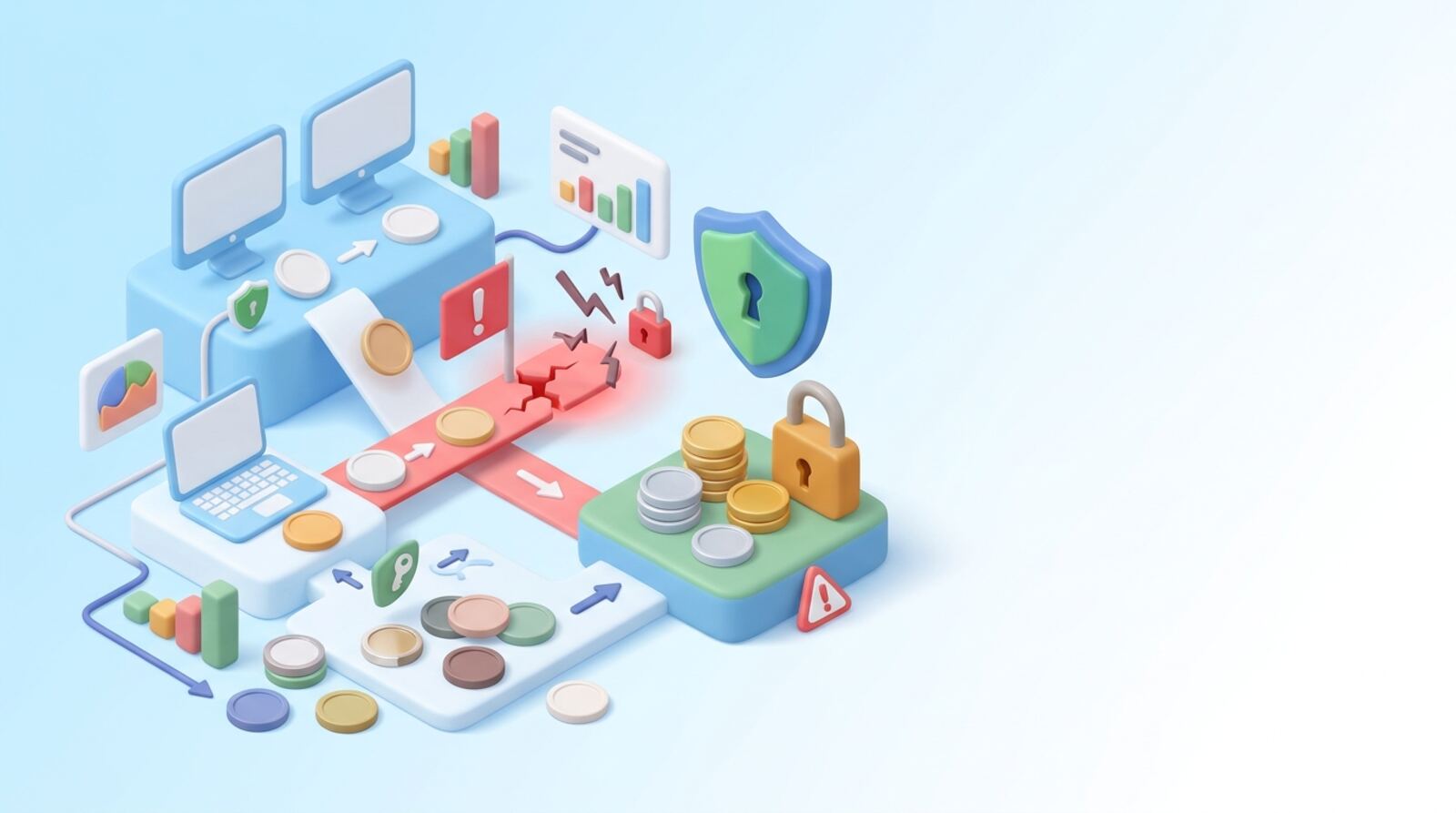
Was the $8 million loss a Uniswap phishing attack?
The reported loss of about $8.4 million in September 2025 was tied to Bunni, a protocol using Uniswap hooks. The incident was described as an exploit involving a precision issue, with about $6 million attributed to activity on Unichain. That is different from a phishing attack on Uniswap’s main interface or a scam that tricks a user into handing over wallet access.
Uniswap users have also faced phishing attempts, including warnings about scams and reports of losses in earlier years. Those incidents should not be merged with the Bunni exploit just because both involve the Uniswap ecosystem. The distinction matters: the safest response depends on whether you signed a deceptive transaction, exposed your recovery phrase, or interacted with a vulnerable protocol.
The reports about the 2025 incident do not establish that Uniswap’s core app or every Uniswap pool was compromised. Nor do they establish a current recovery status for the stolen funds. Treat claims that “Uniswap was hacked for $8 million” as incomplete unless they identify the affected project, attack method and date.
How is phishing different from a Uniswap hook exploit?
Phishing is deception aimed at you. A scammer may send a fake Uniswap link, impersonate support, advertise a fraudulent token claim or prompt you to sign a transaction that grants token access. The loss can occur because you disclose a seed phrase or approve a harmful action.
A protocol exploit is different: an attacker takes advantage of a weakness in smart-contract code, configuration or another technical component. The Bunni incident was described as a precision exploit affecting a Uniswap hook-based protocol. A hook is code that can customize how a Uniswap v4 pool behaves; it introduces project-specific logic and therefore project-specific risks.
A familiar brand or a wallet connection alone does not prove an app is safe. Nor does an on-chain transaction automatically mean that you were phished. To understand an incident, check:
- Who was affected: a user, a token, a pool, a hook or the exchange interface.
- What action caused the loss: a signed approval, leaked key or code exploit.
- Which assets and network were involved: token and chain details matter.
- When the report was made: early loss estimates and recovery information can change.
Does the Bunni exploit mean Uniswap itself is unsafe?
Do not assume that every Uniswap pool or version is affected because one hook-based protocol was exploited. Uniswap offers wallet-based swaps and liquidity pools across multiple networks, and each transaction still depends on the app, token, pool and network you choose. A third-party site can imitate Uniswap, and a token or custom pool can carry risks separate from the core swap interface.
Before using a pool or a token, confirm that you are on the intended site through a bookmark or another route you trust. Check the network, token contract and pool details inside your wallet before signing. Be especially cautious with unfamiliar tokens, unexpected claims, custom pool features or prompts that ask for broad spending permissions.
For a Uniswap v4 pool, hooks can add custom behavior. That flexibility does not mean every hook is unsafe, but you should understand which hook a pool uses and whether its code and risks have been independently assessed. Do not treat an audit, a familiar logo or a large pool as a guarantee. If you cannot explain what a transaction will do, cancel it and investigate before trying again.
What should you do after clicking a suspicious Uniswap link?
If you clicked a suspicious link, stop interacting with the site. A click alone does not necessarily give someone control of your wallet, but a connected session, signed approval or exposed recovery phrase changes the risk. Take these steps in order:
- Disconnect the site in your wallet. This stops the connection but does not cancel approvals already granted.
- Review recent activity on every network you used. Look for unknown transfers, approvals, contract interactions or signed messages.
- Check token permissions through your wallet’s permissions feature or a reputable explorer you access independently. Revoke permissions you cannot verify. A revocation is an on-chain transaction and may cost network fees.
- Move remaining assets to a fresh wallet if your seed phrase or private key may have been exposed. Create the new wallet securely and do not reuse the compromised phrase.
- Save evidence such as transaction IDs, timestamps and the scam domain. Report the incident to your wallet provider and relevant authorities where appropriate.
If assets have already left your wallet, a disconnect or password change cannot reverse the transfer. Do not pay a stranger who promises guaranteed recovery.
Can a wallet approval or signature drain your tokens?
A wallet connection lets a site request information or prompt you to transact; it does not, by itself, hand over your private key. The more serious danger is signing something you do not understand. A token approval can permit a contract to spend a specified token, sometimes up to an unlimited amount. A malicious or misleading signature can also authorize an action even if no funds leave immediately.
Review the wallet prompt before every signature. Check the network, contract, token, amount and permission scope. If the wallet displays unreadable data or an unexpected request, reject it rather than guessing. Avoid “claim,” “verify” or “unlock” prompts that demand approvals unrelated to what you intended to do.
After interacting with an unfamiliar app, inspect approvals and remove any you no longer need. Revoking an allowance prevents future use of that permission, but it cannot retrieve tokens already transferred. If you signed a message and are unsure what it authorized, check the wallet’s activity and permissions using a trusted route. When a seed phrase has been entered into a website or shared with anyone, treat the wallet as compromised; revoking approvals alone is not enough.
How can you avoid fake Uniswap sites and malicious approvals?
Reduce the chance of being tricked by checking the route and the request, not just the name on the screen. Scammers copy logos, create lookalike domains and spread fake announcements through social posts or direct messages. Never enter a recovery phrase to connect to an app, claim a reward or get customer support. A legitimate wallet recovery phrase is for restoring your wallet, not for routine transactions.
Use this quick check before a swap or pool interaction:
- Open the app from a saved bookmark or a carefully checked address, not an unsolicited message.
- Confirm the chain and token contract; ticker symbols and logos can be copied.
- Read the approval amount and contract shown in your wallet.
- Compare the expected action with the transaction prompt. Cancel if they do not match.
- Keep long-term funds separate from a wallet used for frequent app interactions.
- Review and remove unused token permissions periodically.
A hardware wallet can protect private keys from some malware, but it cannot determine whether a transaction is deceptive. You must still verify what you sign. If a pool uses a custom hook or unfamiliar code, learn what it does before supplying funds.
Which mistakes make a phishing loss worse?
In a confusing incident, the most common mistake is treating every loss involving a familiar app name as the same kind of attack. That can send you toward the wrong response. A user who disclosed a seed phrase needs to move remaining assets to a new wallet; a user who approved a token spender needs to inspect and revoke permissions; a code exploit may require affected users to follow the specific protocol’s incident instructions.
Avoid these errors:
- Assuming disconnecting is enough: it does not revoke token approvals.
- Reusing a compromised wallet: a stolen seed phrase remains useful to an attacker even after you change an app password.
- Signing a “rescue” transaction from a stranger: recovery scams often target people immediately after a loss.
- Sending more funds to test a suspicious app: a small test is not a safety check when the contract or site is untrusted.
- Trusting a screenshot or social post: verify the project, chain and transaction independently.
- Expecting a transfer to be reversed: blockchain transactions are generally difficult or impossible to undo once confirmed.
Keep records of what happened, but do not publish your seed phrase, private key or sensitive wallet details while asking for help.
What should you take away before using Uniswap again?
For the reported Bunni loss, the key point is that it was described as a protocol exploit involving a Uniswap hook, not as an $8 million phishing attack on Uniswap itself. Earlier phishing incidents in the wider Uniswap ecosystem are a separate issue. A project name in an incident headline does not tell you whether your wallet, a particular pool or the underlying code was affected.
If you are checking your own exposure, start with your wallet’s transaction history and permissions on the relevant network. Identify what you actually did: connected a site, approved a spender, signed a message, disclosed a recovery phrase or supplied assets to a pool. Then take the matching action rather than following a generic social-media warning.
Do not treat a security claim, audit or recovery promise as proof of safety. Uniswap swaps and liquidity pools remain self-custody activities: you are responsible for the transactions you approve, while pool, token, smart-contract and network risks can differ. When the action is unclear, pause, avoid signing, and seek help through channels you independently verify.
Frequently asked questions
Was the $8 million loss caused by a Uniswap phishing attack?
The reported incident involved Bunni, a protocol using Uniswap hooks, and was described as an exploit. The available reports do not identify it as a phishing attack on Uniswap itself.
What is the difference between phishing and a DeFi exploit?
A phishing scam tries to trick you into revealing wallet credentials or signing a harmful transaction. A protocol exploit takes advantage of a weakness in code or its configuration; the two can also occur together, but they are different attack paths.
Can my wallet be at risk if I only signed a message?
Possibly. A token approval can let a contract spend tokens later, while some signed messages can authorize actions without an immediate token transfer. Check your wallet’s permissions and transaction history, and revoke permissions you don’t recognize using a trusted method.
What should I do if I connected my wallet to a fake Uniswap site?
If you revealed your recovery phrase or private key, treat that wallet as compromised and move remaining assets to a new wallet you control. If you only connected or approved something, inspect and revoke suspicious permissions; revoking an approval does not undo a transfer already made.
Does a hardware wallet prevent phishing losses?
No. A hardware wallet can help protect your keys, but it cannot make a malicious transaction safe if you approve it. Read the transaction details and verify the site and contract before signing.
Mentioned in this guide
dApps in this guide
Uniswap offers wallet-based swaps and liquidity pools across 15+ networks, but pool fees, gas and self-custody risks still matter.
Uniswap V3 offers wallet-based token swaps and concentrated liquidity, but check pool fees, gas, execution risks and price-range exposure.
Uniswap v4 offers multichain swaps and customizable pools, but check each pool’s fees, hook behavior and risks before trading.
Bunni shut down after a reported $8.4 million exploit; don’t use it for new trades or deposits.
Save lets you lend crypto or borrow against deposits, but check changing pool rates, unclear fees and audit details before using it.
Keep reading
Related guides
DeFi · Explainer
How to Check Risky Tokens on Uniswap
Uniswap makes it possible to swap tokens and supply liquidity without a central exchange, including tokens with little track record. Learn what risky-token activity does—and does not—mean for Uniswap, then check a token and pool before you connect your wallet.
DeFi · Explainer
How to Understand Uniswap Liquidity Position NFTs
A Uniswap v3 position NFT represents a specific liquidity deposit, including its token pair and price range. Learn what it gives you, how to create and manage one, and why turning it into another token or using it as collateral adds risk.
DeFi · Comparison
SunSwap vs Uniswap: How to Choose in 2026
JUSTswap was announced in 2020 as a TRON alternative to Uniswap. If you’re choosing a DEX in 2026, compare the current SunSwap ecosystem with Uniswap on the network you need, the tokens available, total transaction costs and the risks of supplying liquidity.
DeFi · Explainer
What Uniswap v3 Changed: A Practical Guide
Uniswap v3 was announced in 2021 as a way to make liquidity work harder and keep the exchange competitive. In 2026, it is an established option, so your decision is whether its price-range controls suit your swap or liquidity strategy.
Security and scams · How-to
How to Use a Blockchain Private-Key QR Safely
A QR code can make a private key easier to handle, but it does not make the key safe to share. First confirm what the code contains, then use a trusted offline signing or wallet process—and move funds to a fresh wallet if the secret may have been exposed.
Security and scams · Explainer
Twitter Hack: What Happened and What Should You Do?
The widely reported Twitter hack happened in July 2020, when attackers used social engineering to gain access to employee tools and take over high-profile accounts. Here’s what happened, what information was exposed, and how to respond safely if you see a new breach claim.
Security and scams · How-to
How to Use OKHotShot Research to Avoid NFT Scams
OKHotShot is best treated as a security researcher to learn from, not a shield for your wallet. Use the checks below to verify NFT projects and transactions before you connect, sign or mint.
Security and scams · Explainer
Tornado Cash and Free Speech: What Changed by 2026
The Tornado Cash dispute asks whether publishing and maintaining code can be protected speech—or whether a privacy service can be sanctioned for how it is used. Here’s what the US sanctions fight was about, what changed, and what the debate means for crypto users in 2026.