Security and scams · How-to
How to Use a Blockchain Private-Key QR Safely
A QR code can make a private key easier to handle, but it does not make the key safe to share. First confirm what the code contains, then use a trusted offline signing or wallet process—and move funds to a fresh wallet if the secret may have been exposed.
By the SkyBitcoins editorial team · Updated
What does a private-key QR code reveal?
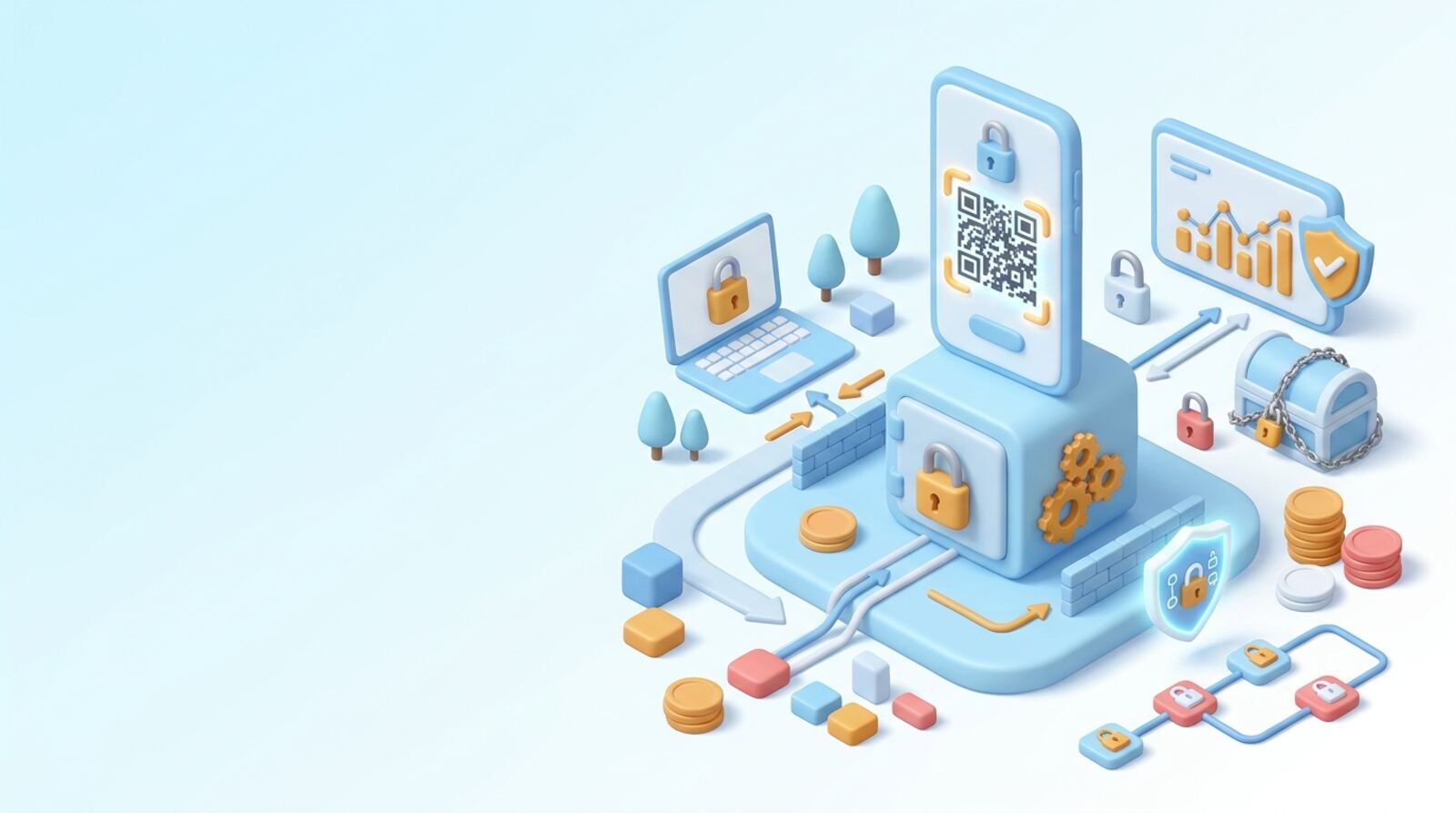
A QR code is only a way to encode information; it does not protect the information inside it. If it contains a blockchain private key, anyone who can read or photograph the code may be able to control the assets associated with that key. Treat the printed code, screen, image file, and decoded text like cash that grants access to your wallet.
First identify what kind of QR you have:
- Public address: Usually safe to share when someone needs to send you funds.
- Private key or recovery phrase: Secret. Do not share, upload, or enter it into an unfamiliar app.
- Transaction or connection data: May not contain a key, but can still request an action. Review it before approving.
A wallet may show an address QR for receiving payments, while a paper wallet may pair an address with a private-key QR. They are not interchangeable. If you cannot tell what a code contains, do not scan it with an ordinary phone camera just to find out. Check the wallet’s official instructions and use a trusted, offline method if you must inspect it.
Do you need to scan the key to do what you want?
In most situations, you do not need the private key QR at all. To receive crypto, share the wallet’s public address or its receiving QR. To check a balance, use a public address in a wallet or block explorer that you trust. Neither task requires revealing the key that authorizes spending.
Before scanning, ask what you are trying to do and whether the wallet offers a safer route:
- Receiving funds? Use the public address QR, and verify the address and network with the sender.
- Signing a transaction? Use the wallet’s documented signing flow; do not import a key into a website just because it requests one.
- Recovering an old wallet? Confirm whether you need a recovery phrase, private key, or keystore file. These are different credentials, and wallet support varies.
- Checking a QR someone sent you? Do not scan or import it unless you know who created it and why.
Be especially cautious with instructions from strangers, support accounts, giveaway pages, or a person claiming to help recover funds. A legitimate transfer or balance check should not require you to send your private key to another person.
How can you prepare before handling the QR?
If you have confirmed that the QR contains a private key and need to use it, plan the process before you expose it. Avoid scanning it with a general-purpose camera, social app, messaging app, or online QR website. Those tools may show, cache, sync, or otherwise expose the decoded content; deleting a scan afterward cannot guarantee it was never retained.
Use this checklist:
- Work in a private place where other people and cameras cannot see the code or screen.
- Use a device and wallet you obtained through the wallet maker’s official channel, and keep the device free of unknown apps.
- If the wallet supports an offline import or signing process, follow its instructions rather than improvising with an online decoder.
- Prevent screenshots, screen recordings, cloud photo backups, and clipboard syncing while handling the secret.
- Never paste the key into a browser, chat, email, support ticket, or command suggested by a stranger.
A QR printed on paper can also be damaged, altered, or photographed without your knowledge. Verify that the code belongs to the wallet you intend to recover, and do not assume that paper storage alone makes a key secure.
How do you import or move funds more safely?
Importing a private key gives the wallet handling it access to the funds controlled by that key. If the wallet or device is compromised, the key can be copied. For a key that may contain valuable assets, the safer approach is often to use a trusted wallet on a clean device, transfer the assets to a newly generated wallet, and stop using the old key.
A careful sequence is:
- Install or open a reputable wallet using its official distribution channel. Confirm that it supports the key format and blockchain you have.
- Keep the QR private while you follow the wallet’s documented import or sweep process. Do not use a third-party “key checker” or paste the key into a website.
- Confirm the destination address on the device that will receive the assets. For a substantial balance, consider a small test transfer if the network and fees make that practical.
- Transfer the remaining assets, including tokens or collectibles where applicable, and wait for the network to confirm the transactions.
- Store the new wallet’s recovery information securely. Do not reuse the old QR or key as the new wallet’s backup.
A sweep sends assets to a fresh wallet; an import may leave the old key in use on the device. Know which action your wallet performs.
How is QR signing different from scanning a private key?
QR codes are also used in air-gapped wallet workflows, but that does not mean a QR should contain a private key. In a typical process, an internet-connected or watch-only device prepares an unsigned transaction and displays it as a QR. A separate signing device reads the transaction, signs it internally, and returns a signed transaction QR. The signed data can then be broadcast without revealing the private key to the online device.
Use only the workflow documented for your specific wallet and hardware. Before signing, check the details shown on the signing device—not just the summary on your phone or computer. Confirm the recipient address, amount, network, and any fee or contract action. A QR can encode a transaction that does something different from what a screen or message claims.
Stop if a signing flow asks you to photograph or export the private key, type it into a connected computer, or scan a QR that you cannot verify. A hardware wallet reduces some exposure risks, but it cannot protect you from approving the wrong transaction or trusting a malicious app. Keep the signing device’s recovery phrase private and never enter it into a QR scanner.
What should you do if the QR may have been exposed?
If you scanned the code but did not share or enter its contents, exposure depends on the scanner and device. Close the app, avoid copying or sending the decoded text, and check whether screenshots, camera uploads, or clipboard syncing could have saved it. If you imported the key into an online wallet, untrusted app, or device you do not control, assume the key may be compromised.
Respond from a clean device and do not use the exposed key to create a replacement wallet. Generate a fresh wallet with a new recovery phrase or key, then transfer assets to its verified address as soon as practical. Network fees may apply, and a compromised key can be used by someone else at any time, so avoid delaying to investigate who may have seen it.
If assets are missing, keep transaction IDs and relevant messages, and contact the wallet provider through its official support channel. Do not give support staff your key or recovery phrase. Be wary of anyone who promises to recover funds for an upfront payment. Deleting an image, resetting a phone, or revoking token approvals does not make an exposed private key safe again.
What costs and mistakes should you plan for?
The QR scan itself usually does not involve a blockchain fee. Costs arise when you move assets or use a network action: transaction fees vary by blockchain and network conditions. Tokens on a chain may require that chain’s native asset for fees, so check the wallet’s requirements before starting. A mistaken network or unsupported asset can complicate recovery, and transactions are generally difficult to reverse.
Avoid these common mistakes:
- Confusing an address QR with a secret QR: Share only the public address when receiving funds.
- Using a random scanner to “decode” a key: The decoded text may be logged or copied.
- Trusting an address shown only on a phone: Verify the destination on the device you use to sign.
- Assuming an import is a sweep: An imported key may remain active and exposed on the device.
- Sending everything without checking the network: Confirm the asset, chain, destination, and fee first.
- Keeping a QR after moving funds: Securely destroy or permanently remove obsolete copies, including backups you control.
If the key is valuable or the wallet format is unfamiliar, pause rather than experimenting. Use the wallet maker’s official recovery instructions and consider getting independent help without revealing the secret.
Frequently asked questions
Is a private-key QR code the same as a wallet address QR?
No. A wallet address is meant to be shared so others can send you funds; a private key or recovery phrase gives control over assets. Check what the QR contains before sharing it, and treat any QR that encodes a private key as secret.
Can scanning a private-key QR code steal my funds?
Not necessarily. Scanning a QR only reads its contents, but the scanner app, device, camera history, clipboard, or a screenshot could expose or retain them. If the code contains a private key, use only a wallet process you trust and avoid ordinary camera or QR-reader apps.
Do I need to scan a private-key QR to receive crypto?
Usually not for receiving funds or checking a balance: you can use the public address instead. Importing or sweeping a private key is only needed when you need to access assets controlled by that key, and a recovery phrase may be required instead, depending on the wallet.
What should I do if I already scanned or shared the QR?
Treat the key as exposed if you entered it into an untrusted app or website, sent it to someone, or saved it somewhere another person or service could access. From a clean device, create a new wallet and transfer assets to it promptly. Do not keep using the exposed key, even if you delete the screenshot or message.
Are QR codes used by hardware wallets safe?
A QR used for air-gapped signing can carry transaction data between a watch-only device and a signing device; it should not need to reveal the private key to the watch-only device. Check the wallet’s documented process and verify the transaction on the signing device before approving it.
Keep reading
Related guides
Security and scams · Explainer
What Is a Crypto Private Key? How to Keep It Safe
A crypto private key is the secret that lets a wallet authorize transactions. Learn how it differs from your address and recovery phrase, who controls it, and how to protect it.
Blockchain · Chain guide
What Is WAX? How to Use the Blockchain Safely
WAX is a blockchain built around digital collectibles, games and consumer apps. Before using it, understand how WAXP, network resources, wallets and bridges fit together—and where costs and risks can arise.
Blockchain · Chain guide
Aptos Blockchain Guide: How to Use Aptos in 2026
Aptos is a Layer 1 blockchain for apps and digital assets, with APT used for transaction fees, staking and governance. This guide explains how to choose a wallet, fund it safely, use apps, understand costs and avoid common risks in 2026.
Airdrop and rewards · How-to
How to Use a Crypto Faucet Safely in 2026
A crypto faucet gives out very small crypto rewards for simple online tasks or claims. Learn how payouts work, what they may cost, and how to check a faucet before you connect a wallet or share personal information.
Security and scams · How-to
How to Use OKHotShot Research to Avoid NFT Scams
OKHotShot is best treated as a security researcher to learn from, not a shield for your wallet. Use the checks below to verify NFT projects and transactions before you connect, sign or mint.
Security and scams · Explainer
Was $8m Taken in a Uniswap Phishing Attack?
A reported loss of about $8.4 million involving Bunni in 2025 was described as an exploit of a Uniswap hook—not a phishing attack on Uniswap itself. Here’s how to distinguish the incidents and what to do if you clicked a suspicious link or approved a transaction.
Security and scams · Explainer
How to Check a Velo Token Scam Claim
A report that Velo users feel betrayed does not, on its own, prove fraud. Before you buy, sell or pay anyone to recover funds, verify the exact project, token contract and on-chain activity—and secure your wallet if you suspect a problem.
Security and scams · Explainer
Twitter Hack: What Happened and What Should You Do?
The widely reported Twitter hack happened in July 2020, when attackers used social engineering to gain access to employee tools and take over high-profile accounts. Here’s what happened, what information was exposed, and how to respond safely if you see a new breach claim.