Wallets and tools · Explainer
What Is a Web3 Wallet? A Practical Guide for 2026
A Web3 wallet lets you manage blockchain accounts and connect to decentralized apps. Learn what it actually holds, how to choose one, and how to use it more safely.
By the SkyBitcoins editorial team · Updated
What does a Web3 wallet actually do?
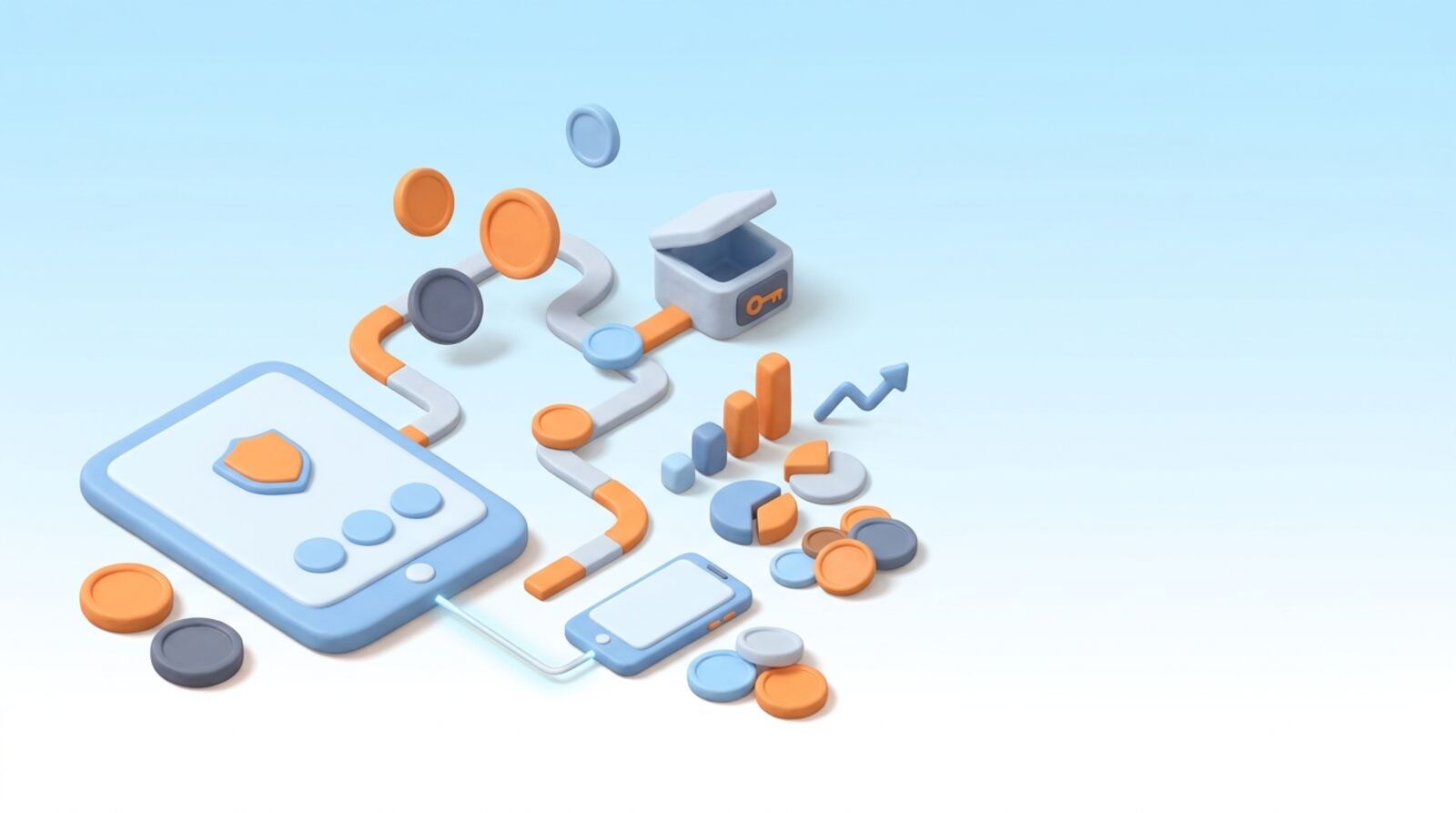
A Web3 wallet is an app, device or service that lets you manage a blockchain account, send and receive digital assets, and connect to decentralized applications (dapps). It is better thought of as a key manager than a digital purse: most crypto tokens and NFTs remain recorded on their blockchains, while the wallet helps you prove you are allowed to use them.
When you make a transaction, the wallet uses a private key or another authorization method to approve it. The blockchain records the result. Depending on the wallet, you might also see balances, transaction history, network choices, token swaps or dapp connections in the same interface.
A Web3 wallet can be self-custody, where you control the keys or account access, or custodial, where a provider controls them for you. The distinction matters: self-custody gives you more direct control but also makes you responsible for keeping access secure and having a workable recovery plan.
In short, a wallet is a gateway to blockchain accounts and services. It does not make a dapp, token or transaction safe just because you can access it through the wallet.
How do wallet keys and blockchain transactions work?
A wallet creates or accesses an account and uses its credentials to authorize actions. With a conventional self-custody wallet, the private key is the secret that allows transactions to be signed. A recovery phrase, when the wallet provides one, can recreate access to the account. Anyone who gets that phrase may be able to take its assets, so treat it like a master key—not a password to share with support.
A typical transaction works like this:
- You choose an action, such as sending a token or interacting with a dapp.
- The wallet shows transaction details and asks you to approve or reject them.
- If approved, the wallet signs the transaction and sends it to the network.
- The network processes it; the wallet then displays its status.
Some wallets use smart accounts, passkeys, multiple signers or other recovery designs rather than a simple phrase-based setup. The exact controls differ, so learn how your chosen wallet authorizes transactions and restores access before funding it.
A wallet’s display is an interface, not the blockchain itself. Balances or transaction statuses can take time to update, and a transaction sent to the wrong address or network may be difficult or impossible to reverse.
Should you choose self-custody or a custodial wallet?
The first decision is who controls access to the account. With a self-custody wallet, you control the key or account authorization. This gives you direct control over transactions, but losing your recovery method—or exposing it to someone else—can mean losing access or funds. A wallet provider generally cannot restore a phrase it never held.
With a custodial wallet, a company manages the keys and gives you access through its account system. That can feel more familiar, but your access depends on the provider, its policies and its continued operation. You may have to follow identity checks, withdrawal rules or other service requirements.
| Wallet setup | Who controls access? | Main trade-off |
|---|---|---|
| Self-custody | You or your account’s configured signers | More direct control, more personal responsibility |
| Custodial | The service provider | Easier account recovery may come with provider dependence |
Some products mix approaches, so do not assume the label tells you everything. Check whether you control the keys, how recovery works, whether the wallet can restrict transactions, and what happens if you lose a device. Choose based on how much responsibility you can manage—not on a promise that one type is risk-free.
How do you choose a Web3 wallet for your needs?
Choose a wallet based on the networks and tasks you actually need. A wallet that supports one blockchain may not support another, and an address or asset format that looks familiar may not be compatible across networks. Confirm support for the specific chain and token before transferring anything.
Use this checklist:
- Networks: Does it support the chain you plan to use, including any networks you may need later?
- Recovery: Is the recovery process clear, and can you protect it safely?
- Security controls: Can you review and reject transaction requests, secure the app with a passcode or biometrics, and use a hardware wallet if appropriate?
- Dapp use: Does it connect to the apps you intend to use without requiring permissions you do not want to grant?
- Costs: What network fees, swap charges or service fees might apply?
- Device fit: Is it available for your device, and can you keep it updated?
A wallet with many built-in features is not automatically a better choice. Extra swap, staking or browsing tools can be convenient, but each adds actions you need to understand. For example, Phantom is one wallet option associated with Solana use, while HashPack focuses on Hedera and Temple Wallet supports Tezos, Etherlink and EVM chains. Check current network and feature support directly before relying on any wallet.
What should you do before funding a new wallet?
Set up a wallet before sending it money or connecting it to valuable accounts. Download the app or extension from the wallet’s official distribution channel, and confirm the publisher and product name carefully. Lookalike apps and fake support accounts can be used to steal credentials.
Then follow these steps:
- Create an account and choose a strong device passcode. Turn on available security features.
- If the wallet gives you a recovery phrase, write it down and store it offline in a place you control. Do not photograph it, save it in cloud notes or send it to anyone.
- Read the wallet’s recovery instructions. If you cannot explain how you would regain access after losing your device, pause before funding it.
- Check which network the account is using and how it displays addresses.
- If you are transferring funds, verify the destination address and network. Consider a small test transfer when the amount and fees make that sensible.
Never enter a recovery phrase into a website or share it with someone claiming to be support. A legitimate helper should not need your secret phrase to diagnose a wallet issue. Keep your device and wallet software updated, and secure the email or account used by any custodial service.
How can you connect a wallet to a dapp more safely?
Connecting a wallet to a dapp usually lets the site request information or propose blockchain actions. A connection alone may reveal a public address and let the dapp check its on-chain activity; it does not automatically mean the dapp can move every asset. But a later transaction or token approval can grant specific powers, so inspect each request.
Before approving anything:
- Check the app name and domain carefully; search ads, messages and social posts can lead to impersonators.
- Read what the wallet is asking you to sign. A signature can authorize something even when it does not look like a regular token transfer.
- Check the network, recipient, asset, amount and any permission being granted.
- Reject a request that is unclear, unexpected or inconsistent with what you intended to do.
- Review and revoke token permissions you no longer need, using a trustworthy method for the relevant network.
A dapp cannot turn a risky contract into a safe one simply by using a familiar wallet connection. Never approve a transaction because a pop-up says it is required to claim a prize, fix an account or verify your wallet. If you are unsure, stop and verify the action independently before signing.
What does it cost to use a Web3 wallet?
Most blockchain transactions require a network fee, often called gas. The fee is paid to process the transaction, and its amount can vary with network activity, transaction complexity and the network’s fee rules. A wallet may also show a separate charge for an optional service, such as a token swap. Check the full quote before confirming; the displayed token amount may not be the total cost.
You generally need the network’s fee token to submit a transaction. Holding a token on one network does not necessarily pay fees on another, even if the asset has the same name or ticker. Confirm the selected network and fee currency before moving funds or trying an app.
Some actions are more complex than a basic transfer and may cost more. A failed transaction can still consume a fee, depending on the network and how it was processed. Before approving, check the estimated fee, the amount being sent, any swap rate and any additional service charge.
Do not assume a “free” wallet means every blockchain action is free. If a fee looks unusually high or a quote changes, wait and review it rather than confirming in a hurry. Fees are network-dependent and can change from one transaction to the next.
Which Web3 wallet mistakes should you avoid?
The most serious wallet mistakes tend to involve losing control of credentials, approving an unintended action or sending assets to the wrong place. Blockchain transactions are often difficult to reverse, so pause before signing or transferring.
Avoid these common errors:
- Sharing a recovery phrase: Anyone with it may be able to control the account. No support agent should ask you to reveal it.
- Ignoring the network: Check that the receiving wallet or service supports the exact network you are using.
- Rushing through approvals: Read the transaction details and permissions rather than clicking through unfamiliar prompts.
- Trusting a displayed token alone: Fake tokens can use names or symbols similar to legitimate assets. Verify the token and contract through reliable channels.
- Keeping no recovery plan: Know how your wallet restores access, and protect any recovery materials separately from your everyday device.
If you suspect your phrase or key has been exposed, treat the account as compromised. From a clean, trusted device, create a new wallet with a secure recovery setup and move assets that can safely be moved; check each network and transaction carefully. If a custodial account is affected, contact the provider through its verified support channel. Never pay a stranger who promises guaranteed recovery.
Frequently asked questions
Does a Web3 wallet store cryptocurrency?
A Web3 wallet manages the keys or account permissions used to access blockchain assets and services. The assets and transaction records are generally recorded on the blockchain, not stored inside the wallet app.
Can a Web3 wallet connect to decentralized apps?
No. A wallet can let you connect to a decentralized app, but connecting does not necessarily mean you have approved a transaction. Read each request carefully and reject anything you do not understand.
Can I recover my wallet if I lose my phone?
It depends on the wallet and how its account is set up. Some wallets use a recovery phrase, while smart accounts and other wallet designs may use different recovery methods. Check the wallet’s recovery process before adding funds.
Does it cost money to use a Web3 wallet?
Usually, you do not pay just to create a wallet, but a blockchain transaction can require a network fee. Wallets may also charge or display costs for services such as swaps, and the total varies by network and transaction.
Is a Web3 wallet the same as a crypto exchange account?
A self-custody wallet gives you control of the keys or account permissions, so you are responsible for securing access and recovery. A custodial service manages access for you, but you rely on that provider’s rules and security.
Mentioned in this guide
dApps in this guide
Phantom combines self-custody with crypto trading tools, but check transaction costs and security details before using it.
HashPack suits Hedera users seeking a non-custodial wallet, but check transaction costs and feature terms before using it.
Temple Wallet offers self-custody for Tezos, Etherlink and EVM chains, but check network support, swap costs and Earn terms before depositing.
Ethereum is an open blockchain for ETH and apps; check variable gas costs and wallet risks before using it.
Solana is a Layer 1 blockchain for apps and payments; you’ll need a compatible wallet and SOL for fees.
Web3 Casino Guide is a broad crypto-casino directory, but its affiliate links and unverified testing claims mean you should check operators yourself.
Keep reading
Related guides
Wallets and tools · Explainer
What Is a Cryptocurrency Wallet? A Practical Guide
A cryptocurrency wallet gives you a way to view crypto addresses and authorize transactions. Learn how keys work, which wallet type fits your needs, and what to check before sending funds.
Wallets and tools · How-to
How to Check a Crypto Wallet’s Activity and Safety
Use the right blockchain explorer to review a wallet’s transactions, then check token approvals and account security. An address check can reveal activity and warning signs, but it cannot prove that a wallet or app is safe.
Wallets and tools · Explainer
How to Choose and Use an Onchain Wallet Safely
An onchain wallet lets you control crypto through keys rather than leaving it with an exchange. Learn how to choose one, set it up safely, check network costs and avoid common transaction mistakes.
Wallets and tools · Best list
Best Crypto Wallets for Dapps in 2026: Which One Fits?
The right wallet depends on which blockchain your dapps use and how much convenience you want versus keeping keys offline. Compare practical choices for Ethereum and other EVM chains, Solana, Hedera and Tezos, then connect with a safer setup.
Wallets and tools · Explainer
What Is an Offline Crypto Wallet? A Practical Guide
An offline crypto wallet keeps your private keys away from an internet-connected device; it does not store coins on the device itself. Learn how cold storage works, how to set one up and what it can—and cannot—protect you from.
Wallets and tools · Explainer
What Is a Hot Crypto Wallet? How to Use One Safely
A hot crypto wallet is software that lets you access blockchain accounts and sign transactions using an internet-connected device. It can make sending and using crypto convenient, but the right setup depends on who controls the keys and how much you plan to keep accessible.
Wallets and tools · Explainer
What Is an Onchain Wallet? A Practical Guide
An onchain wallet lets you use crypto directly on a blockchain. Learn what it controls, how transactions work and what to check before you move funds.
Wallets and tools · Explainer
What Is a DeFi Wallet and How Do You Use One?
A DeFi wallet is a tool for holding or accessing crypto and connecting to decentralized finance apps. Learn how keys, networks, fees and transaction approvals work before you connect one or move funds.