Wallets and tools · Comparison
Crypto Wallet vs Exchange: Which Should You Use?
An exchange account is usually the simplest place to buy and trade crypto; a self-custody wallet gives you control of the keys. Compare the trade-offs, costs and risks before deciding where to keep your funds.
By the SkyBitcoins editorial team · Updated
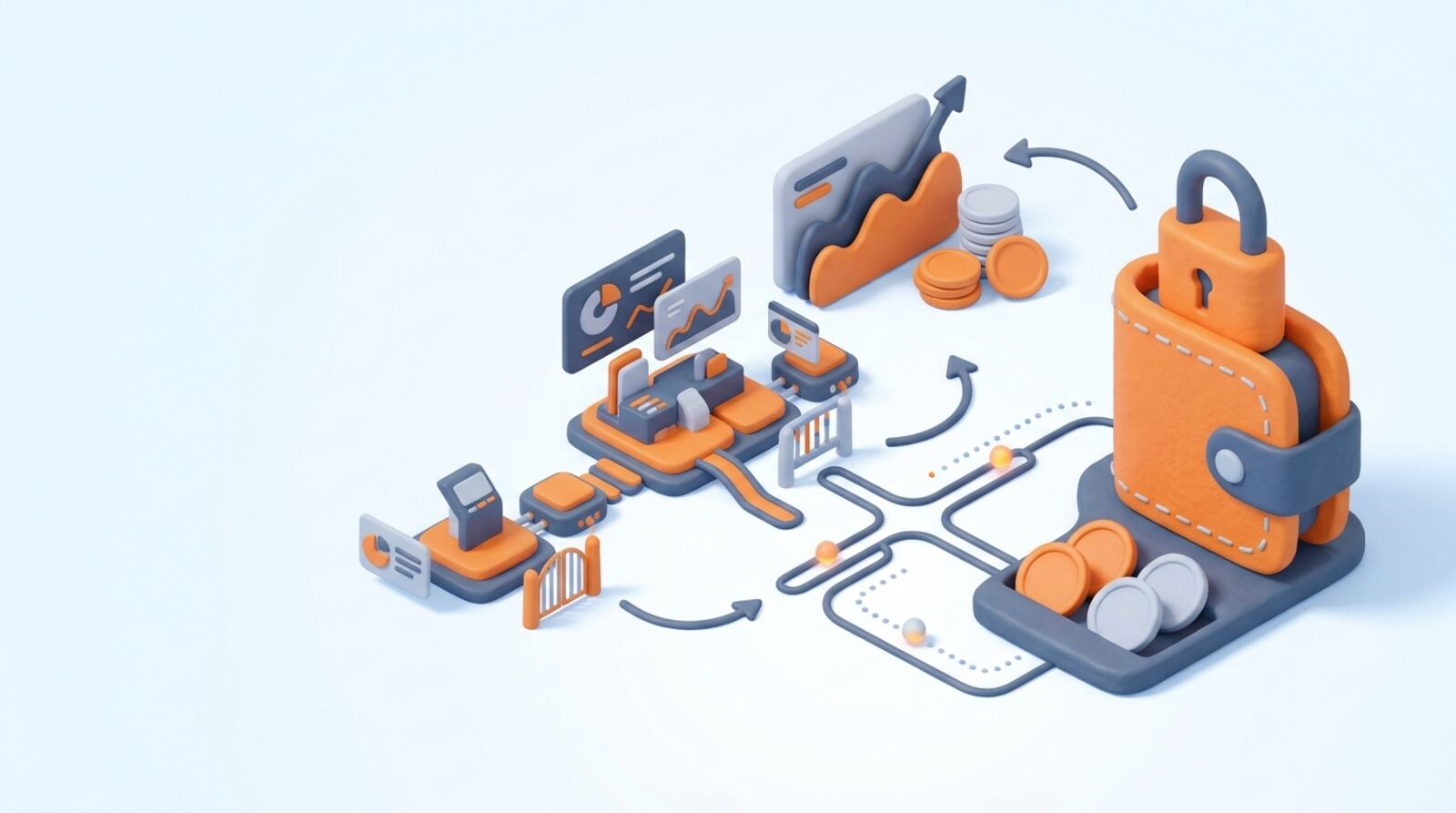
Should you use a crypto wallet or an exchange?
A crypto exchange is usually the easier place to buy and trade. A self-custody wallet is better suited to holding assets under your own key control, sending crypto directly or using blockchain apps. You can use both: buy through an exchange, then withdraw only the amount you want to manage yourself.
The key difference is custody. With a typical centralized exchange account, the provider controls the private keys associated with your balance. With a self-custody wallet, you control the keys, usually through a recovery phrase. Neither setup is automatically safe: exchanges can restrict accounts or withdrawals, while wallet mistakes can permanently lose access to funds.
| Choose an exchange if… | Choose a self-custody wallet if… |
|---|---|
| You need a familiar way to buy or sell | You want to control your keys |
| You prefer account recovery and support | You need to interact with on-chain apps |
| You are comfortable relying on a provider | You can protect a recovery phrase |
Before moving money, decide what you need to do with it. A trading balance and long-term self-custody have different risks and operating requirements.
What does an exchange account let you do?
An exchange combines a trading service with a custodial account. You can typically fund it using supported payment methods, trade available crypto and keep a balance on the platform. The exchange records your account balance internally; a blockchain transaction is not necessarily made every time you trade with another customer on the same service.
That can make buying and selling straightforward, but it means you rely on the company to safeguard assets and honor withdrawals. Your account may also be subject to identity checks, location rules, limits, outages or account reviews. The exact requirements depend on the provider and where you live.
Before opening or funding an account, check:
- Whether the service accepts customers in your location and what verification it requires.
- Which assets and deposit methods it supports.
- Trading charges, quoted-price spreads and withdrawal conditions.
- Whether you can withdraw the asset to a wallet on the network you intend to use.
Crypto.com is one centralized exchange option, but its available services and costs can vary by region and product. Compare the terms that apply to your account rather than assuming every exchange works the same way. An exchange balance is convenient, but it is not the same as holding crypto in a wallet whose keys you control.
What kind of crypto wallet do you need?
A wallet is software or hardware that manages the keys needed to access crypto on a blockchain. A self-custody wallet does not move your assets off the blockchain; it lets you authorize transactions with your keys. Anyone who gets your recovery phrase may be able to take the assets, and losing the phrase can leave you unable to recover them.
Wallets differ in how they store or use keys:
- Hot wallets run on internet-connected devices. They are convenient for regular transfers and apps, but a compromised device or malicious approval can put funds at risk.
- Hardware wallets keep signing keys on a separate device. They can reduce exposure to some online threats, but you still need to protect backups and verify what you approve.
- Custodial wallets are managed by a provider. They may offer account recovery, but the provider controls the keys, so this is not self-custody.
Check that a wallet supports the exact asset and network you plan to use. A wallet can support one network but not another, even when token names look alike. Phantom, for example, is a self-custody wallet with trading tools; confirm its current network and asset support before sending funds. A wallet’s interface does not guarantee that a token or connected app is safe.
Which option fits the way you plan to use crypto?
Match the tool to the task rather than treating one option as best for everyone. If you want to purchase crypto with a supported payment method or place trades, an exchange is often the simpler starting point. If you want to send funds to a blockchain app, hold keys yourself or receive an on-chain payment, you will need a compatible wallet.
Use this quick decision process:
- Name the task. Buying, trading, long-term storage, payments and app access are different needs.
- Check the asset and network. Confirm that the service supports the specific coin or token and the network you intend to use.
- Choose your custody level. Decide whether you want a provider to control the keys or you are ready to protect them yourself.
- Check access and recovery. Consider what happens if you lose a device, forget a password or cannot reach the provider.
- Review costs and rules. Look at trading, deposit, withdrawal and network charges, plus any account or location restrictions.
If you are new to crypto and mainly want to buy and sell, starting with a reputable exchange may be more manageable. If you want direct control, learn wallet backups and transaction checks before transferring a meaningful amount. You can also start with a small test transfer where the network and provider permit it.
What will buying, holding and transferring cost?
There is no universal fee schedule for wallets or exchanges. The total cost depends on the asset, network, service and transaction. Compare the final amount you would receive, not only a headline fee.
| Cost | Where it can appear |
|---|---|
| Trading fee | Exchange trade, sometimes based on order type or account tier |
| Spread | Difference between a quoted buy or sell price and the market price |
| Deposit or payment charge | Bank transfer, card payment or other funding method |
| Withdrawal charge | Exchange withdrawal; it may be fixed, variable or subject to a minimum |
| Network fee | Blockchain transaction, including a wallet transfer or on-chain swap |
| Swap or app charge | Wallet swap provider or decentralized application |
A wallet may cost nothing to download but still require network fees when you transact. An exchange may let you trade without an on-chain fee because trades can be recorded internally, then charge when you withdraw. Fees and withdrawal terms can change, so check them immediately before acting.
Also consider non-fee costs. A wrong-network transfer, an incorrect address or a transaction sent to an unsupported deposit route can lead to loss or a lengthy recovery process. If an exchange shows a withdrawal network, confirm that the receiving wallet supports that same network. Do not assume a cheaper route is compatible.
How do you move crypto between an exchange and wallet?
A transfer between an exchange and a self-custody wallet is generally an on-chain transaction. Once confirmed, it usually cannot be reversed by customer support. Slow down and verify each detail before approving it.
Before sending crypto to your wallet:
- Open the receiving wallet and select the correct asset and network.
- Copy the receiving address from the wallet; do not rely on an address sent in a message.
- In the exchange withdrawal screen, select the same network and paste the address.
- Compare the first and last characters of the address, and check any memo or tag requirement shown for that asset.
- Review the amount, minimums, withdrawal charge and final receive amount.
- If appropriate, send a small test amount first. Wait for it to arrive before sending more.
For a deposit to an exchange, use the deposit address and network shown in your own account for that specific asset. Some deposits require a memo or tag in addition to the address. Never share your wallet’s recovery phrase with an exchange, support agent or anyone else; a legitimate deposit does not require it.
Keep a record of the transaction ID and check its status in the wallet or exchange. If a transfer is pending, avoid sending it again until you understand what happened.
What mistakes should you avoid with either option?
The most damaging errors tend to come from rushing a transfer, trusting a fake support contact or misunderstanding who controls the keys. Avoid these common mistakes before you fund an account or wallet:
- Assuming an exchange balance is self-custody. If the provider controls the keys, you depend on its withdrawal process and account access.
- Sending to the wrong network. Check both the sending service and receiving wallet; matching token names do not prove network compatibility.
- Skipping a recovery backup. For self-custody, write the recovery phrase down and store it securely offline. Do not save it in a screenshot, cloud note or chat.
- Entering a phrase into a website. A wallet recovery phrase gives control of the wallet. Treat any request to reveal it as a serious warning sign.
- Approving an unknown connection or transaction. Read what a wallet is asking you to authorize, and disconnect from suspicious apps. Disconnecting alone does not undo an approval already granted.
- Ignoring account protections. Use a unique password and available login protections on exchanges, and keep your email account secure too.
Be cautious of messages claiming to recover funds or speed up a withdrawal for an upfront payment. Do not share passwords, verification codes or private keys. If you suspect an account or device is compromised, stop new transactions and use official support channels you locate independently.
Can you use both a wallet and an exchange?
You do not have to choose only one. Many people keep a limited balance on an exchange for buying or trading and use a self-custody wallet for assets they want to manage directly or use on-chain. This can reduce reliance on a single setup, but it adds transfer steps, fees and responsibility for backups.
A practical approach is to separate funds by purpose:
- Keep only the amount you need for near-term trading on an exchange.
- Use a compatible self-custody wallet for transactions that require your own keys.
- Store any long-term wallet recovery material separately from the device and protect it from theft, loss, fire or water damage.
- Review exchange account access and wallet security when your devices, email or phone number change.
There is no risk-free storage method. An exchange can face operational, security or access problems; self-custody can fail through lost backups, theft or a mistaken transaction. A hardware wallet does not protect you if you approve a harmful transaction or expose its recovery phrase.
Start with the setup you can operate carefully. Understand how deposits, withdrawals, backups and recovery work before moving more funds. Revisit your choice if your goal changes from trading to payments, app use or longer-term custody.
Frequently asked questions
Does a crypto wallet actually store coins?
No. A wallet manages the keys that let you access and control crypto recorded on a blockchain; it does not hold coins in the way a physical wallet holds cash. A self-custody wallet gives you control of its recovery phrase, while a custodial wallet provider controls the keys for you.
Can I buy crypto directly in a wallet?
Not always. Some self-custody wallets include swap or purchase features, but availability, payment methods, prices and supported assets vary. An exchange is generally designed for buying and selling, while a wallet’s main job is to give you access to blockchain funds.
Can I move crypto from an exchange to a wallet?
You may be able to withdraw crypto to an external wallet, but check the exchange’s withdrawal rules, supported networks and charges first. A withdrawal recorded on a blockchain is generally not reversible, so confirm the address and network before you approve it.
Is a wallet safer than keeping crypto on an exchange?
A self-custody wallet removes the exchange’s custody risk, but it puts responsibility for the recovery phrase and transactions on you. An exchange may offer account recovery, but you depend on its security, policies and ability to process withdrawals. Neither option removes market risk or guarantees your funds.
Does it cost money to use a crypto wallet or exchange?
A wallet can be free to install or use, but transactions on a blockchain may require a network fee. Exchanges may charge trading fees, include a spread in the quoted price, or charge for withdrawals. Check the actual costs for your asset, payment method and network before moving funds.
Mentioned in this guide
dApps in this guide
Phantom combines self-custody with crypto trading tools, but check transaction costs and security details before using it.
Crypto.com offers broad crypto access and EUR deposits, but check spreads, fees and withdrawal terms before funding an account.
Match-Trader sells trading software to brokers and prop firms; get a full quote and verify security details before choosing it.
Keep reading
Related guides
Wallets and tools · Explainer
Should You Use Opera’s Web3 Wallet in 2026?
Opera introduced a non-custodial wallet in its Web3 Crypto Browser beta in 2022, with versions for desktop and Android. Here’s how to check what remains usable in 2026 and what to verify before connecting or moving crypto.
Wallets and tools · Best list
How to Choose a Crypto Exchange in 2026
There is no single best crypto exchange for everyone. Compare the leading centralized platforms with decentralized options by checking local availability, total costs, security, and whether you can withdraw the assets you buy.
Wallets and tools · Explainer
Ballet Crypto Wallet Review: Is a Cold-Storage Card Right for You?
Ballet makes physical cold-storage wallet cards, including Real Series cards for assets such as Bitcoin, Ethereum and Litecoin. This guide explains how the card-and-app approach works, what to check before buying, and how to move funds onto it carefully.
Wallets and tools · Explainer
What Is a Hot Crypto Wallet? How to Use One Safely
A hot crypto wallet is software that lets you access blockchain accounts and sign transactions using an internet-connected device. It can make sending and using crypto convenient, but the right setup depends on who controls the keys and how much you plan to keep accessible.
Wallets and tools · Comparison
Custodial vs. Non-Custodial Wallets: How to Choose
Custodial wallets are easier to recover but put a provider in control of your keys. Non-custodial wallets give you direct control—and make you responsible for protecting access and recovery information.
Wallets and tools · Explainer
What Is a Crypto Seed Phrase? How to Protect It
A crypto seed phrase is the master backup for many self-custody wallets. Learn what it controls, how to store it safely, and what to do if it is lost or exposed.
Wallets and tools · Explainer
How to Evaluate DappsApp’s Blockchain Messaging
DappsApp’s blockchain messaging promise is worth checking carefully: a blockchain can help with identity or message delivery, but it does not automatically make chats private. Verify how messages are encrypted, where they are stored, and whether you need a wallet before sharing anything sensitive.
Wallets and tools · Explainer
Crypto Cold Storage: How to Store Keys Safely
Cold storage keeps the keys controlling your crypto away from everyday internet-connected devices. Learn how it works, how to set it up safely, what it costs and how to avoid losing access to your funds.