Security and scams · Explainer
How Public and Private Keys Keep Crypto Secure
A public key can be shared; its matching private key must stay secret. Learn how the pair protects crypto transactions, what a wallet actually stores, and how to avoid losing access or signing a scam.
By the SkyBitcoins editorial team · Updated
What do public and private keys do?
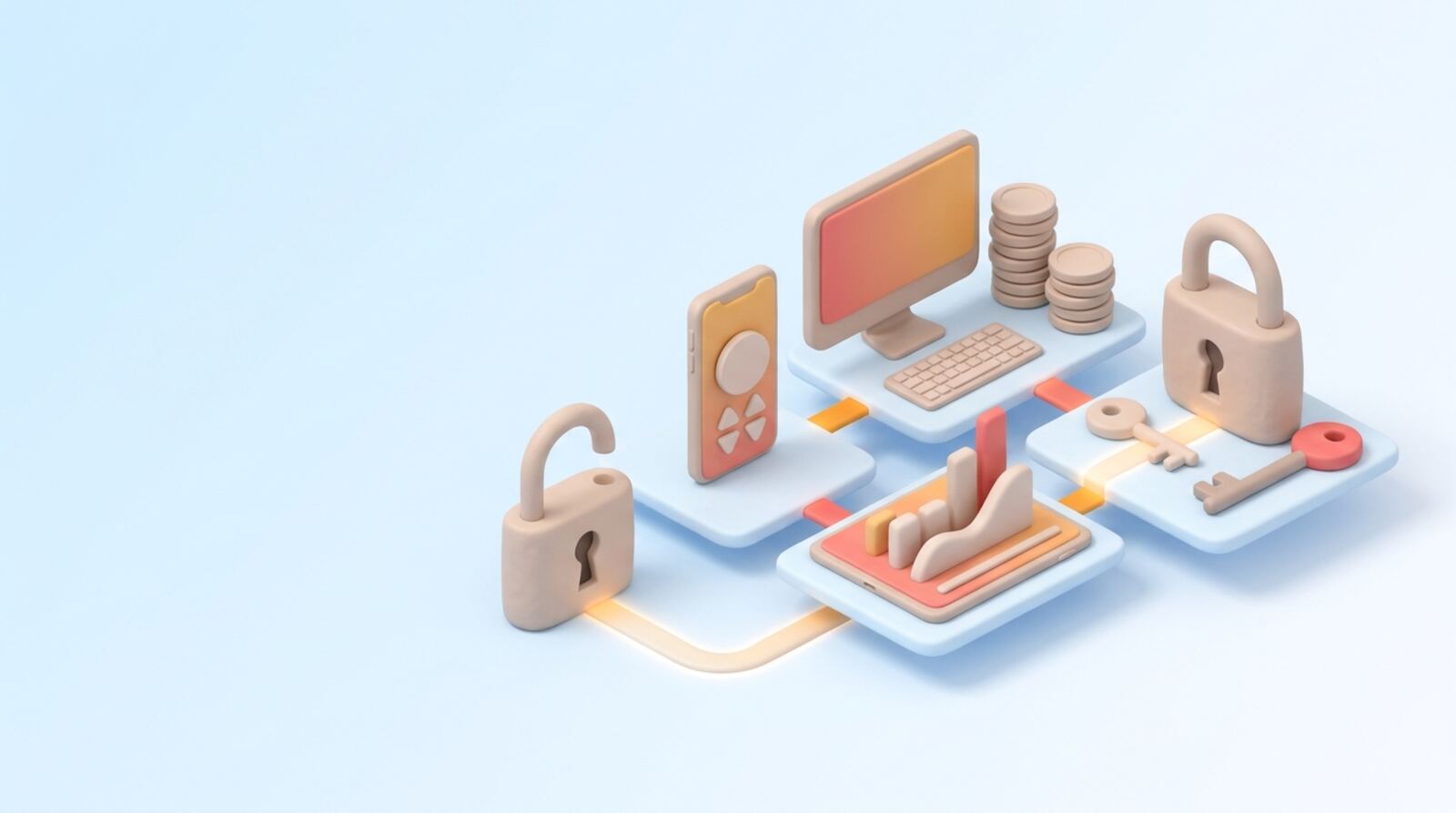
Public and private keys are a matched pair used to prove control or protect information. You can share the public key; the private key must remain secret. In crypto, a wallet uses the private key to create digital signatures that authorize transactions, while other people and the network can use the corresponding public key to check those signatures.
The pair is linked by mathematics, but deriving the private key from the public key is designed to be computationally impractical with current conventional computers when secure algorithms and key sizes are used. That does not make a key impossible to steal: phishing, malware, unsafe backups, and tricked approvals can expose control without breaking the cryptography.
A simple analogy is a public mailbox slot and its private key. Anyone can send something to the mailbox, but only the key holder can open it. The analogy is imperfect, especially for blockchains: a crypto transfer is not a secret message, and a wallet’s private key is usually used to sign rather than decrypt transactions. Keep those two functions separate when assessing a wallet or a security warning.
How are encryption and digital signatures different?
In public-key encryption, someone can use the recipient’s public key to encrypt data that the matching private key can decrypt. This is useful when two parties need to communicate without first sharing a secret key. In practice, secure systems often use public-key cryptography to establish or protect a temporary symmetric key, because symmetric encryption is more efficient for large amounts of data.
Digital signatures solve a different problem. The person signing uses a private key to produce a signature for a message or transaction. Anyone with the corresponding public key can check that the signature matches and that the signed data has not changed since it was signed. The verifier does not need access to the private key.
For cryptocurrency, signatures are central: they let a network verify that an authorized key approved a transaction. They do not prove that the transaction is wise, that a website is legitimate, or that the destination belongs to the person you intend. A valid signature can still authorize a transfer to a scammer. Read the transaction details before approving it, not just the wallet’s confirmation prompt.
How do wallets use keys and addresses?
A wallet typically manages private keys and uses them to sign transactions. The public key is mathematically related to the private key, and a receiving address is commonly generated from the public key using additional processing such as hashing and encoding. The exact format and derivation rules depend on the blockchain. An address is therefore not necessarily the same thing as the full public key.
You can generally give someone a receiving address so they can send you assets. Sharing it does not give them the power to spend those assets. However, public blockchains make transaction activity visible, and repeated use of an address can make balances and activity easier to associate with you. Avoid posting addresses alongside personal details unless you are comfortable with that connection.
When you send crypto, your wallet signs the transaction with a relevant private key. The network checks the signature and transaction rules. Crypto transfers are generally recorded publicly; key cryptography authorizes them but does not hide the sender, recipient, amount, or other transaction information that the chain exposes. Check the network and full destination address before sending, because a confirmed transfer may be difficult or impossible to reverse.
How should you set up and back up a wallet?
When setting up a self-custody wallet, make a backup before depositing assets. Many wallets show a recovery phrase, also called a seed phrase, which can recreate the wallet’s keys. It is not the same as a single private key, but it can be even more sensitive because it may restore many accounts derived from that phrase. Anyone who obtains it may be able to take control.
Use this setup checklist:
- Install the wallet from a source you have independently verified, and check the app or hardware device carefully.
- Create the wallet in private. Never enter a recovery phrase into a website, chat, or form to “verify” it.
- Write the phrase accurately and store it offline in a place protected from theft, fire, and water. Do not photograph it or keep an unprotected digital copy.
- Follow the wallet’s backup check, then confirm you can access the wallet before transferring significant value.
- Consider a hardware wallet for larger holdings, while remembering that it does not protect you from approving a malicious transaction.
A wallet password or device PIN can help protect local access, but it does not replace a recovery backup.
What happens if you lose a key or recovery phrase?
Losing a private key can mean losing the ability to authorize transactions. With a self-custody wallet, there may be no company able to reset access. If you have a recovery phrase or another valid backup, you may be able to restore the keys in a compatible wallet. If the key and all recovery options are gone, the assets may remain visible on-chain but inaccessible.
Custodial services work differently: the service holds or manages the keys, and access is handled through its account and recovery procedures. That can be more familiar, but it means you rely on the provider’s security, policies, and continued service. Understand who controls the keys before choosing a wallet or exchange account.
Backups create their own risks. A paper backup can be stolen or damaged; a digital copy can be exposed through cloud accounts, malware, or compromised devices. Store backups in a secure place with access limited to you and a trusted recovery plan. Avoid splitting or altering a phrase unless you understand the wallet’s supported method: a transcription error can make a backup unusable. Test recovery with a small amount before relying on it for substantial funds.
How do you choose a safe way to manage keys?
Before choosing a wallet, decide who should control the keys and how you will recover access. A self-custody wallet gives you direct control but makes you responsible for safeguarding the key or recovery phrase. A custodial account shifts key management to a provider, but adds provider and account-access risks. Neither model removes the need to check addresses, protect devices, and understand what you approve.
Use these questions to make the decision:
| Question | Why it matters |
|---|---|
| Who holds the private keys? | It determines who can authorize transactions and how recovery works. |
| What happens if my phone or device is lost? | You need a backup or a clear provider recovery process. |
| Can I verify transaction details before signing? | You should understand the action the key is authorizing. |
| How will I protect a recovery phrase? | A leaked phrase can expose funds across accounts it restores. |
Start with a small balance while learning a wallet’s workflow. Keep a separate, secure backup and review it periodically without exposing the phrase. If a key may have been copied or disclosed, assume it is compromised and move assets to a newly generated wallet, provided you can do so safely. The key lesson is simple: public keys are for sharing; private keys and recovery phrases are for protecting.
Frequently asked questions
Is it safe to share my public key?
No. A public key is designed to be shared and cannot ordinarily be used to calculate its private key. Still, share only the address or payment details you need to: public transaction records can reveal activity associated with an address.
Is my wallet address the same as my public key?
No. A wallet address is generally derived from a public key, often through additional encoding or hashing, and is used to receive assets. A private key authorizes transactions; a recovery phrase may restore the wallet’s keys.
What is the difference between a private key and a recovery phrase?
A private key is a secret value that can authorize actions for an account. A recovery phrase is a human-readable backup used by many wallets to recreate the wallet’s keys, so anyone who gets it may gain control of the assets.
Does a digital signature hide my crypto transaction?
No. A transaction signature proves that the required key authorized a transaction; it does not conceal the transaction or its public blockchain details. Treat requests to sign as approvals, and read what the wallet says you are authorizing.
Can I recover a wallet if I lose its private key?
Usually not. If a private key or recovery phrase is lost and no other backup or recovery method exists, the wallet may be inaccessible. A wallet provider generally cannot recreate a self-custody key for you, so plan and test your backup before storing significant value.
Mentioned in this guide
dApps in this guide
Crypto.com offers broad crypto access and EUR deposits, but check spreads, fees and withdrawal terms before funding an account.
Keep reading
Related guides
Security and scams · Explainer
What Is a Crypto Private Key? How to Keep It Safe
A crypto private key is the secret that lets a wallet authorize transactions. Learn how it differs from your address and recovery phrase, who controls it, and how to protect it.
Security and scams · Explainer
How to Keep Your Crypto Wallet Safe in 2026
Keep your crypto safer by protecting your recovery phrase, securing the devices and accounts around your wallet, and checking every transaction before you sign. The right setup depends on how often you use your assets and how much loss you could tolerate.
Wallets and tools · Best list
How to Choose a Secure Crypto Wallet in 2026
Choose a wallet by matching its custody model, security controls and supported networks to how you’ll use it. Compare a few options, verify key details and set it up safely before transferring meaningful funds.
Wallets and tools · Explainer
What Is a Private Crypto Wallet? A Practical Guide
A private crypto wallet usually means a self-custody wallet: you control the keys that authorize transactions. That control does not make your activity anonymous or hide transactions recorded on a public blockchain.
Security and scams · Explainer
QiDao–Superfluid Exploit: What Should You Check?
The roughly $13 million headline concerns an exploit tied to QiDao’s use of Superfluid contracts. Here’s how to understand the incident, check whether you may be exposed, and avoid treating an old loss figure as a current security verdict.
Security and scams · How-to
How to Protect Your Seed Phrase From Scams
Your seed phrase is the master key to a self-custody wallet. Keep it offline, never share it with a person or website, and treat any request for it as a scam.
Security and scams · Explainer
How the Failed Rainbow Bridge Exploit Cost $7,000
A Rainbow Bridge attack attempt was stopped before it could drain assets, and the attacker forfeited a bond worth roughly $7,000 at the time. Here’s how the defense worked and what the incident does—and doesn’t—tell you about using bridges.
Security and scams · How-to
How to Avoid NFT Scams with OkHotShot 2
OkHotshot 2 should be a prompt to investigate, not a reason to trust a mint or sign a transaction. Use this checklist to verify an NFT project, protect your wallet and respond quickly if something goes wrong.