Blockchain · How-to
How to Bridge Assets Between Ethereum, BNB Chain and Polygon
To move crypto between Ethereum, BNB Chain and Polygon, use a bridge that supports the exact asset and route, or withdraw through an exchange. Check the destination network and token before you approve anything.
By the SkyBitcoins editorial team · Updated
What is the safest way to move assets between these chains?
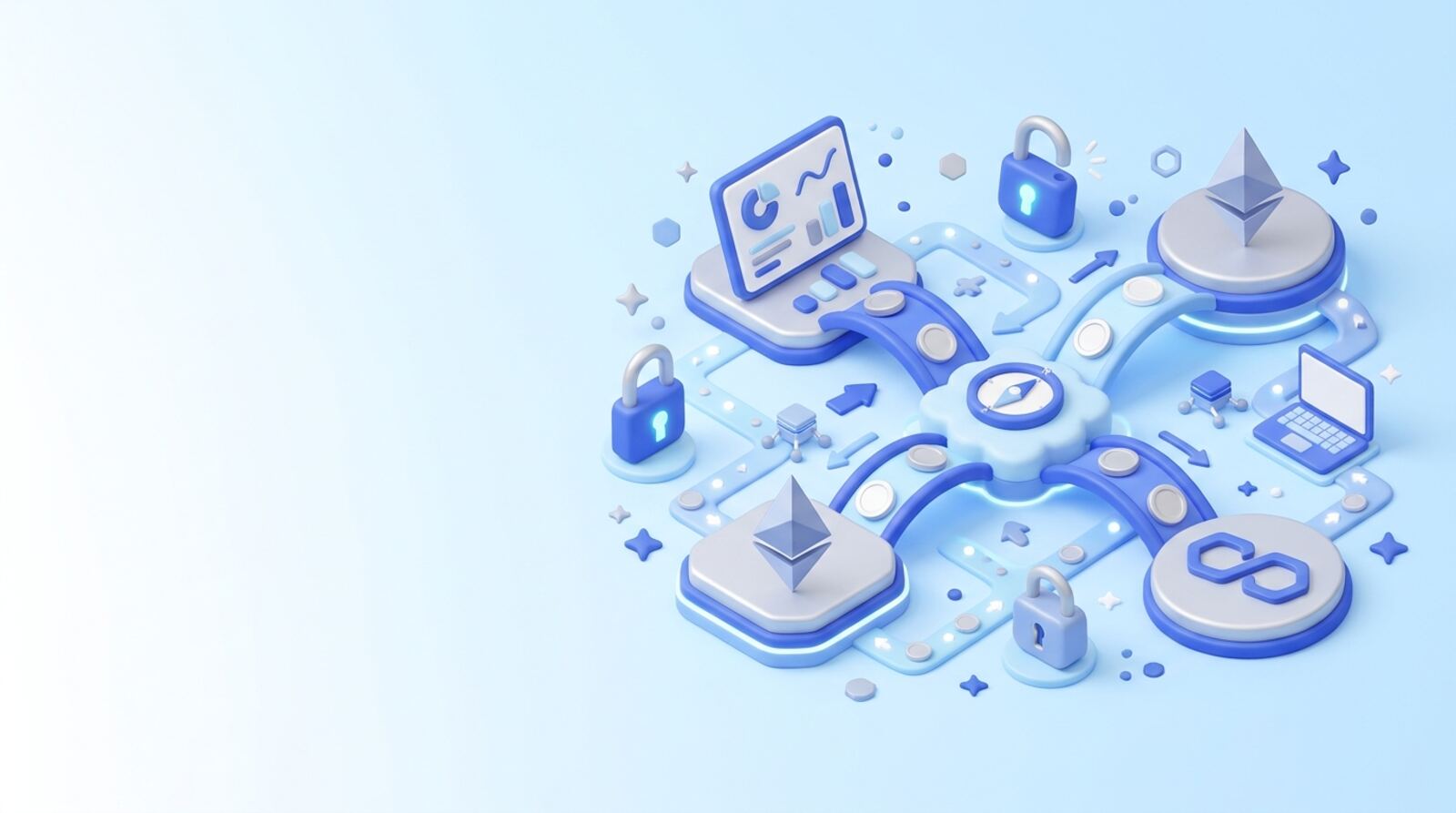
You can move assets between Ethereum, BNB Chain and Polygon with a cross-chain bridge, a cross-chain swap service, or a centralized exchange that supports deposits and withdrawals on both networks. The right choice depends on the exact token and route: a service may support Ethereum to Polygon for one asset but not BNB Chain to Polygon for another.
A transfer to the same wallet address is not a bridge. These networks keep separate balances, so sending a token on Ethereum does not make it appear on Polygon or BNB Chain. Use a service that completes the cross-chain transfer, or withdraw from an exchange to the destination network.
Before you start, identify:
- The asset and its contract address on the source network.
- The exact source and destination networks.
- The token you expect to receive, including whether it is a bridged version.
- The fees, estimated time and minimum transfer shown for your route.
For a first transfer, start with a small amount you can afford to lose. Once it arrives and you confirm it is usable, decide whether to move more.
What should you check in your wallet before bridging?
Prepare your wallet and check the networks before connecting it to a bridge. Ethereum uses ETH for gas, BNB Chain uses BNB, and Polygon PoS uses POL for gas. Some wallets or services may still display legacy MATIC labels, so confirm the network and token details in the wallet and service you are using.
Use a wallet that supports all the networks in your route. Make sure you can access the correct account and have enough of the network’s gas token to submit the source transaction. Depending on the bridge, you may also need gas on the destination network to move or use the funds after arrival.
Before connecting:
- Open the bridge or exchange through a route you trust; check the spelling of its name and the site address yourself.
- Confirm your wallet is on the intended source network.
- Check that the selected account is yours and that the wallet is not showing an unexpected network prompt.
- Keep your recovery phrase and private keys offline. A legitimate bridge does not need them.
If the service asks for permissions to spend a token, read the approval carefully. A token approval can allow a contract to move tokens from your wallet; it is separate from the bridge transfer itself.
Which route works for your Ethereum, BNB Chain or Polygon transfer?
There is no single route that covers every token and pair. For Ethereum to Polygon, Polygon’s official bridge is one route to check for supported assets. It does not make that bridge a route to BNB Chain. For transfers involving BNB Chain, or for an asset the official Polygon bridge does not support, look for a bridge or cross-chain service that explicitly lists your exact source, destination and token.
A cross-chain aggregator such as Squid Router may show routes across multiple networks, but availability, output assets and costs can vary. A centralized exchange is another option if it accepts deposits on the source network and withdrawals on the destination network. Check its network-specific deposit and withdrawal terms before sending anything.
| Route or method | Check before choosing |
|---|---|
| Official chain bridge | Supported networks, tokens and withdrawal process |
| Third-party bridge or aggregator | Route, received token, fees, approvals and security information |
| Exchange deposit and withdrawal | Whether both networks are supported for that asset, plus fees and limits |
Compare the amount you will actually receive, not just the advertised fee. A route with a low service fee can still have higher gas, slippage or conversion costs.
How do you bridge assets step by step?
The wording differs between services, but a bridge transfer usually follows these steps. Treat the confirmation screen as the final check: transactions on public blockchains are generally difficult or impossible to reverse.
- Select the source network, destination network and asset. Confirm that the token and route match your plan.
- Connect your wallet and check its network. Do not approve a wallet prompt that names a different network or unexpected contract.
- Enter an amount and review the estimated output, fees, minimums, slippage settings and delivery time. Check whether the output is a bridged token or a different asset.
- If requested, approve the token allowance. Then review the separate transfer transaction and confirm it in your wallet.
- Keep the transaction ID and use the service’s status tracker to follow the transfer. Do not submit it again just because it is taking longer than expected.
- Once it completes, switch your wallet to the destination network and check the balance and token contract address.
If a token does not appear, first verify that the transaction completed and that your wallet is set to the destination network. You may need to add the token’s correct contract address to your wallet display; only use the address published by a trustworthy project or service. Adding a token display does not itself move funds.
Can an exchange move the funds instead of a bridge?
An exchange can be simpler if it supports the asset on both networks, but it adds custody and account risks. You deposit the asset using the exchange’s stated source network, then withdraw it using the destination network. The exchange—not your wallet—controls the funds between those steps.
Use this checklist before depositing:
- The exchange supports deposits for that exact asset on your source network.
- The deposit page shows the correct network, address and any required memo or tag.
- The exchange supports withdrawals of the asset on your intended destination network.
- You have checked withdrawal fees, minimums, processing times and any account verification requirements.
- Your account is secure, with a strong unique password and two-factor authentication where available.
Do not choose a network simply because the ticker matches. If you deposit using a network the exchange does not support for that token, the funds may be delayed or unrecoverable. Some exchanges also pause deposits or withdrawals for maintenance. Check the live status before sending, and consider a small test deposit if the exchange supports one and the extra fees make sense.
How much will the transfer cost, and how long might it take?
The total cost can include source-chain gas, a bridge or exchange fee, a token swap, slippage and destination-chain gas. Some services bundle costs into the quoted output rather than listing every item separately. Review the final amount you will receive and compare it with the amount sent.
Ethereum gas varies with network demand, so a transfer can cost more at busy times. BNB Chain and Polygon transactions also require their own gas tokens. Keep some BNB or POL on the destination chain if you will need to make another transaction after the funds arrive. A transfer that uses all your destination gas balance can leave the asset there but temporarily unusable.
Timing is also route-specific. It depends on source-chain confirmations, the bridge’s process, destination-chain activity and any security delay. A displayed estimate is not a guarantee. If the status is pending, check the source transaction on the correct network and the service’s transfer tracker before taking action.
Before confirming, ask yourself: “After all fees, how much arrives, in what token, and when can I use it?” If the estimate is unclear or the service does not identify the destination asset, pause and choose a route whose terms you understand.
Which bridging mistakes should you avoid?
Most avoidable losses come from choosing the wrong network, token or service. Slow down at the confirmation screen and check the details against your plan.
Avoid these mistakes:
- Sending without bridging: A wallet address can look identical across EVM networks, but the assets remain on the network used for the transaction.
- Choosing by ticker alone: Similar names do not prove that two tokens are the same asset. Confirm the token contract and whether the destination application accepts it.
- Using an unsupported route: Verify that the service supports the exact asset and both networks, not just the chains in general.
- Approving blindly: Read wallet prompts and token allowances. Reject unexpected approvals or transactions, and do not sign messages you cannot explain.
- Trusting unsolicited help: Support agents should not ask for your recovery phrase or private key. Avoid search ads, direct messages and lookalike sites that impersonate bridge services.
- Ignoring the output quote: Check fees, slippage, minimums and the receiving token. Stop if the quote changes sharply or shows an unfamiliar asset.
- Moving everything at once: A small test transfer can reveal a route or wallet issue before you risk a larger amount, though it may add fees.
Bridges and smart contracts can be exploited, and neither a test transfer nor an official interface removes that risk. Do not transfer funds you cannot afford to lose.
What should you do if the funds do not show up?
If the transfer appears stuck, start with the transaction ID and the bridge’s own status tracker. Check whether the source transaction succeeded on the source network, whether the service is waiting for confirmations, and whether the destination transaction has been submitted. Avoid repeating the transfer until you understand the current status; a second transaction may create a separate transfer rather than fix the first one.
If a transfer is marked complete but you cannot see the asset:
- Switch your wallet to the stated destination network.
- Check the destination transaction status and receiving address.
- Confirm the token contract address and whether the wallet needs the token added to its display.
- Check whether the asset is a bridged version that the app you intend to use accepts.
If you used an exchange, contact its support through the account’s official support channel and provide the transaction ID and network details. Recovery may not be possible for unsupported deposits or transfers to the wrong address. Do not give anyone your recovery phrase, install remote-access software, or pay an unsolicited “recovery agent.” Save transaction records and wait for the service to explain the next step.
Frequently asked questions
Can I send crypto to the same wallet address on another network?
No. A wallet address can be the same across these EVM networks, but each network keeps its own balances. Switching your wallet from Ethereum to Polygon may show a balance already on Polygon; it does not move Ethereum funds there.
What does it cost to bridge between these networks?
It depends on the route, asset and bridge. You may pay gas on the source chain, a bridge or service fee, and sometimes gas or a swap cost on the destination. Ethereum gas changes with network demand, so check the transaction preview before confirming.
How long does a cross-chain transfer take?
A bridge can take from minutes to longer, depending on the route, confirmations and any security or challenge period. Use the bridge’s current estimate and transaction status rather than assuming a fixed arrival time.
Will I receive the same token after bridging?
Not necessarily. A token with the same ticker on two networks can have different contract addresses or be a bridged representation. Check the token’s contract address and whether the destination app accepts that version before transferring.
What if my bridge transfer does not arrive?
First check whether the funds are simply on the wrong network in your wallet; switching to the network where they arrived may reveal them. If you sent funds to an exchange or an unsupported address, contact the receiving service, but recovery is not guaranteed. Never share your recovery phrase with anyone offering to help.
Mentioned in this guide
dApps in this guide
Squid Router offers broad cross-chain swaps and upfront quotes, but check route costs and security details before approving a transaction.
Save lets you lend crypto or borrow against deposits, but check changing pool rates, unclear fees and audit details before using it.
Keep reading
Related guides
Blockchain · Explainer
How the OP Stack Makes Ethereum More Interoperable
The OP Stack helps Ethereum Layer 2 networks share familiar software and standards, but that does not make every chain or asset instantly interchangeable. Learn what interoperability it enables, what still depends on bridges, and how to move assets more carefully.
Blockchain · Explainer
Why Blockchain Interoperability Matters: Lisk Explained
Interoperability lets blockchains share assets and information instead of trapping activity in separate networks. Lisk tackles part of that problem as an Ethereum Layer 2, but moving between chains still depends on specific bridges, supported assets and careful checks.
Blockchain · Explainer
Is Multichain Ready for Mass Adoption in 2026?
Multichain use is possible today, but moving between networks still adds choices, costs and security risks that many everyday users should not have to manage. Here’s how to judge whether it’s ready for your needs—and how to reduce the chance of an expensive mistake.
Security and scams · Explainer
How the Nomad Bridge Hack Became Mass Looting
The August 2022 Nomad bridge exploit turned a flaw in message verification into a rush of copycat withdrawals. Here’s how it happened, what “decentralized looting” means, and how to assess bridge risk before moving assets in 2026.
Blockchain · How-to
How to Move Assets to and from WAX
Moving assets to or from WAX starts with matching the exact token and network on both sides—not just choosing a bridge. Use this checklist to verify a route, account for costs, and reduce the chance of a stuck or misdirected transfer.
Blockchain · Best list
How to Choose Moonbeam and Moonriver Apps in 2026
There is not enough reliable current evidence to rank active DeFi apps, games or NFT marketplaces on Moonbeam and Moonriver. Use the named projects below as leads to verify—not endorsements—and check the network, contract and activity before connecting your wallet.
Blockchain · How-to
How to Move an Ethereum Dapp to Velas
You can reuse much of an Ethereum dapp’s EVM-compatible code on Velas, but you must deploy and test it there separately. Plan for network changes, integrations, user balances and any asset migration before you launch.
Blockchain · Explainer
Should You Use Miracle Chain for User Rewards?
Miracle Chain is presented as a blockchain that aims to reward adoption and usage, but that promise is not enough to establish how users benefit. Before connecting a wallet or spending money, check whether the network is live, how any rewards work, and what risks and costs you would take on.